Organization Schema and sameAs: A Worked Example for an Estonian Registered Company
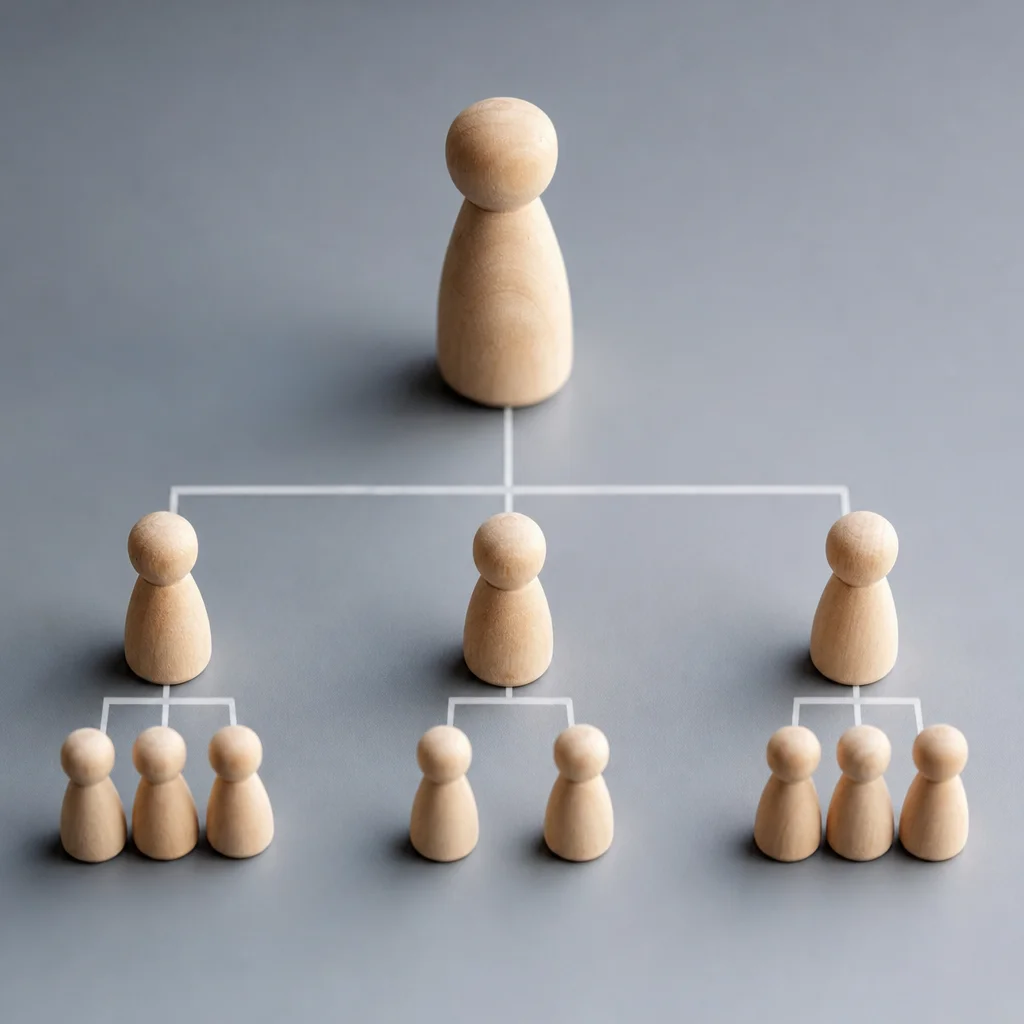
Most guides to Organization markup show a toy example: a company called Example Corp with a made-up address and a list of social media links. That is fine for syntax, but it leaves out the questions a real founder has. Which of my registered details belong in the markup? Which links count as sameAs, and which are noise? Where does it go, and how do I know it worked?
This guide answers those questions with a worked example for a fictional Estonian private limited company (an OÜ). We rely on Google’s own documentation for what the markup does and does not do, and we say where a choice is our judgement. If you want the background on why a company without a map listing needs this, our article on Google Business Profile rules for e-Residency companies covers it. Here we go deeper into the markup itself.
What Organization markup is for
Google’s Organization structured data documentation says the markup helps Google understand your organisation’s administrative details and tell your organisation apart from others in search results. Some properties work behind the scenes to disambiguate you. Others, such as the logo, can affect what appears in results and in a knowledge panel.
Four points from that page set the right expectations:
- There are no required properties. Google recommends adding every property that applies to your organisation, but none is mandatory.
- It goes on one page. Put it on your home page or on a single page that describes the organisation, such as an About page. You do not need it on every page.
- It supports understanding. It does not promise a result. Google does not guarantee that any feature will appear because you added markup.
- The markup should match what a visitor can see. Our reading of Google’s structured data guidance is that you should mark up facts that are visible on the page, not hidden ones. Treat that as good practice rather than a quotation.
Gather the facts first
Before you open a code editor, write down the facts in a document. Take them from your official records, not from memory. The table shows what Google’s page lists and where the information usually lives.
| Fact | Where to find it | Google property |
|---|---|---|
| Brand name as customers see it | Your website and invoices | name |
| Registered legal name, including OÜ | Estonian company register | legalName |
| Website address | Your domain | url |
| Logo | Your brand files | logo |
| Short description of what you do | Your own wording | description |
| Registered address | Company register | address |
| Email and telephone | Your contact page | email, telephone |
| VAT number, if you have one | Your VAT registration | vatID |
| Founding date | Company register | foundingDate |
| Profiles about the company on other sites | LinkedIn, video and developer pages, and so on | sameAs |
Two notes. Google says a tax ID should match the country in your address and that a VAT code is something users can check in public registries, so only include numbers you hold and that are accurate. And your Estonian registry code has no property in Google’s list. Schema.org has a general identifier property, but Google’s Organization page does not mention it, so treat it as optional and publish the registry code as visible text on your About page.
sameAs, explained
Schema.org defines sameAs as the URL of a reference web page that unambiguously indicates the item’s identity, and gives examples such as an encyclopedia entry, a Wikidata record or the item’s homepage. Google describes it as URLs of other sites with information about your organisation, such as social or review profiles.
In plain terms, sameAs says: “these other pages are also about us”. It is how you connect the entity on your website to the places where the same entity is described.
What to include. Pages that are about the organisation, live and maintained: your LinkedIn company page, a video channel, a developer organisation page, a public listing in a business directory that you control. If your company has an entry in a knowledge base such as Wikidata, include it. Do not create one just to have a link.
What to leave out. Personal profiles of founders, which belong in markup about a person; pages that mention you but are not about you, such as a news article; dead or abandoned profiles; and any page whose details contradict your site. We would also leave out a profile you cannot log in to, because you cannot correct it.
What to check. Open every URL before you add it. The name, description and location on the target should match your site.
How RankMaster works with Estonian companies
RankMaster is a Brazilian SEO and GEO agency, with its site at rankmaster.com.br, that works remotely and in British English with e-Residency and Estonian companies. For a registered company, we usually start by comparing the facts the company publishes about itself: the website, the register entry, LinkedIn and any directories. Mismatches are the common problem, and markup only helps once they are fixed. The work is delivered in three recurring parts:
- Monthly plan. A written plan before each month: which pages and entity details to build or improve, and the technical fixes that come first, each with the reason.
- Monthly report. What was published, what Google Search Console shows, and how the company appears in AI answers, including what did not change.
- Daily monitoring. Ongoing checks for pages leaving the index, broken links, and robots.txt changes that could hide the site.
We do not promise rankings or citations, because no one can guarantee them. You can read our guide to SEO for e-Residency companies, learn more about RankMaster or ask for a free analysis through the contact section.
A worked example
Here is markup for a fictional company, Example Software OÜ. Every value is a placeholder: replace each with your own, and remove any property you cannot fill truthfully.
What each part does:
| Line | Why it is there |
|---|---|
| name and legalName | name is what customers call you. legalName is the registered name, and Google says to use it when it differs from name |
| url | Identifies your website |
| logo | A URL Google can crawl. Google says the image must be at least 112 by 112 pixels, and should look right on a white background |
| description | One honest sentence about what you do |
| address | The registered address, with the country code. Label it as the registered address on the visible page |
| telephone | Google says phone numbers should include the country code |
| vatID | Only if you have one, and only if it is accurate |
| sameAs | The profiles from the previous section |
If your registered address is a legal address service rather than an office, do not describe it as a place customers can visit. The markup says what the address is. It does not make it a map listing.
Where to put it and how to check it
Add the block to your home page or your About page, not both and not every page. If you use a theme or a plugin that outputs its own Organization markup, check what it already produces. Two blocks with different names or addresses send a mixed message, and one accurate block is better than two contradictory ones.
To check it:
- View the page source and confirm the block is there once.
- Run it through a validator. Google’s Rich Results Test and the Schema Markup Validator can read the markup and report syntax errors. A clean result means the code parses. It does not mean Google will show anything.
- Compare every value with the visible page, your register entry and your LinkedIn page.
- Check the logo URL opens the image and meets the size minimum.
Search Console may take time to reflect changes. Google gives no exact timing, so judge it over weeks, not days.
Keep the facts consistent everywhere
Markup is only one place where your company is described. AI tools and search engines read the same facts on your site, on LinkedIn, in directories and in news mentions. Use this as a checklist:
- Name: the same spelling of the brand and of the legal name everywhere.
- Address: the same format, labelled as the registered address where relevant.
- Description: one short description reused, not a new version on every page.
- Contact: the same email and phone on every page and profile.
- Dates and numbers: founding date, team size and VAT number agree across sources.
Common mistakes
- Marking up facts that are not on the page.
- sameAs links to pages that are not about you, or that you do not control.
- Two Organization blocks with different details, from a theme and a plugin.
- Using LocalBusiness markup for a company with no customer-facing location.
- A logo that is too small or blocked from crawling.
- Leaving the legal name out when it differs from the brand.
- Expecting a knowledge panel or higher rankings from markup alone.
Frequently asked questions
Is Organization markup required?
No. Google says there are no required properties. It is useful for clarity.
Do I need sameAs?
It is recommended, not required. Add it when you have real profiles that describe your company.
Should I add my registry code?
Google’s Organization page has no property for it. Publish it as visible text on your About page. Schema.org offers a general identifier property, but Google does not list it for Organization.
Can markup get me into AI answers?
No one can guarantee a mention in ChatGPT or Gemini. Accurate, consistent facts make it easier for a system to describe you correctly, which is all this markup can do.
How long until it works?
It depends on how often Google recrawls your page. Any exact timeline given without seeing your site is a guess.
A fifteen-minute test
Search your company name on Google. Write down the name, address and description it shows and compare them with your register entry and your own About page. Then open your page source and look for the word “Organization”. If it is missing, or there are two blocks, you know where to start. If you would like a second opinion, you can ask for a free analysis through the RankMaster contact section.